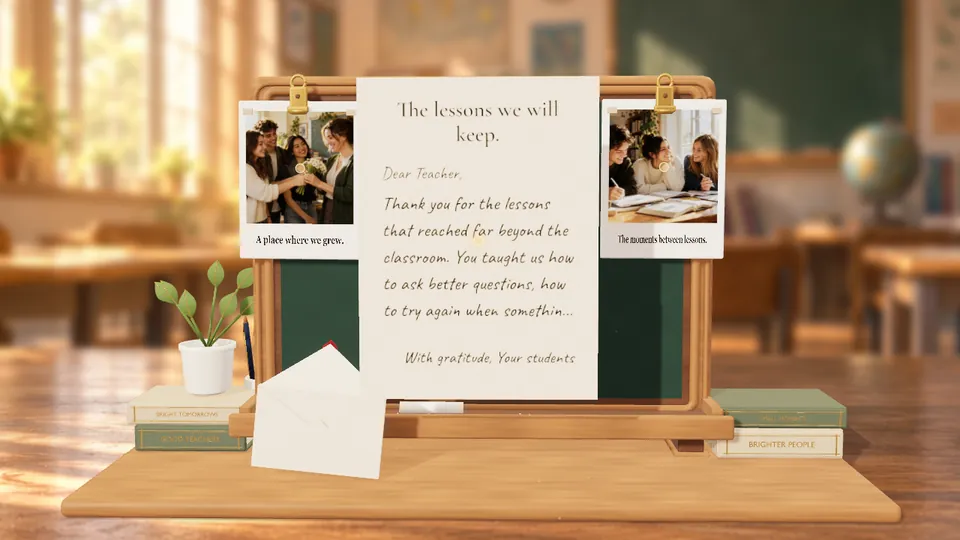
Chalkboard of Thanks
NewThank a teacher with a personalized chalkboard, class photos and a letter. Starts at 3 credits; the price follows your writing and photo sizes.
Public Guide
Letter4U currently offers three creative paths: Love Letter, CRT TV Slideshow, and Birthday Cake. Both can be beautiful, but they create different emotional experiences. This guide helps you decide quickly and build better pages by matching your goal to the right template.
Thank a teacher with a personalized chalkboard, class photos and a letter. Starts at 3 credits; the price follows your writing and photo sizes.
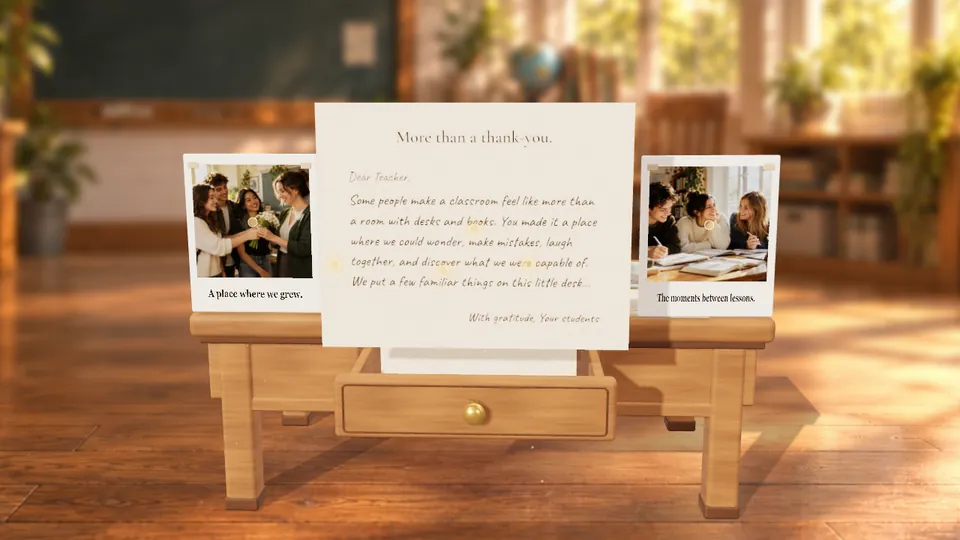
Leave thoughtful notes among familiar desk objects, with class photos and your letter. Starts at 3 credits; the price follows your writing and photo sizes.
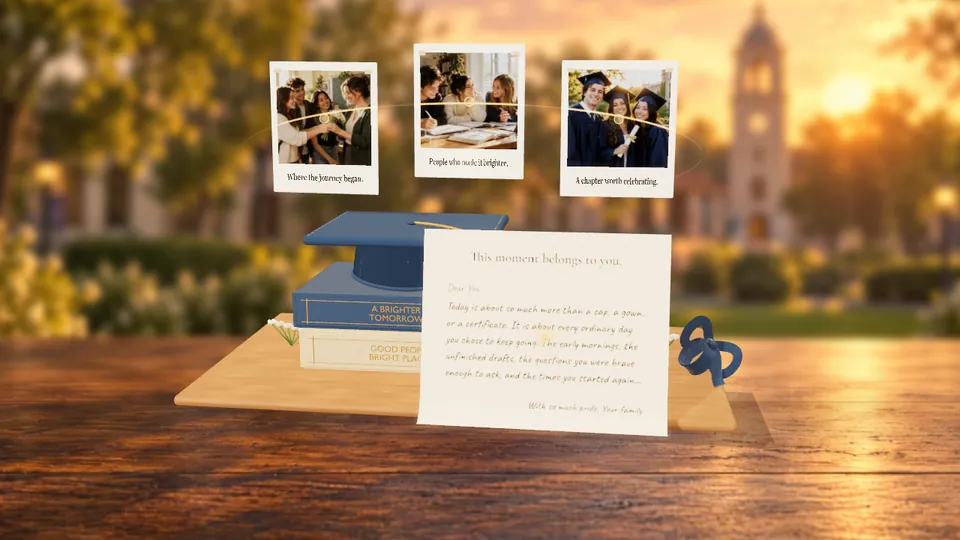
Celebrate graduation with a cap reveal, favorite photos and a letter for the next chapter. Starts at 3 credits; the price follows your writing and photo sizes.
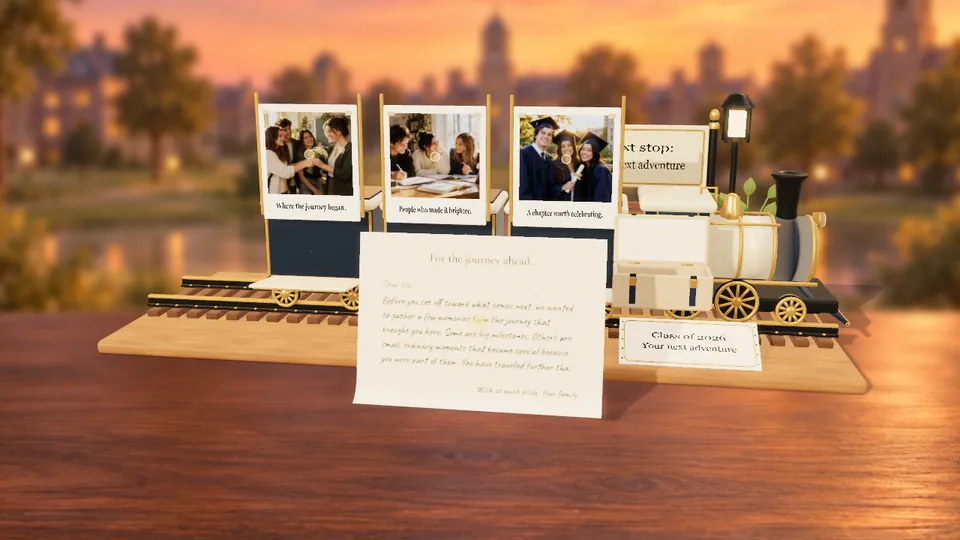
Turn graduation memories into a journey with a personal destination, photos and a letter. Starts at 3 credits; the price follows your writing and photo sizes.
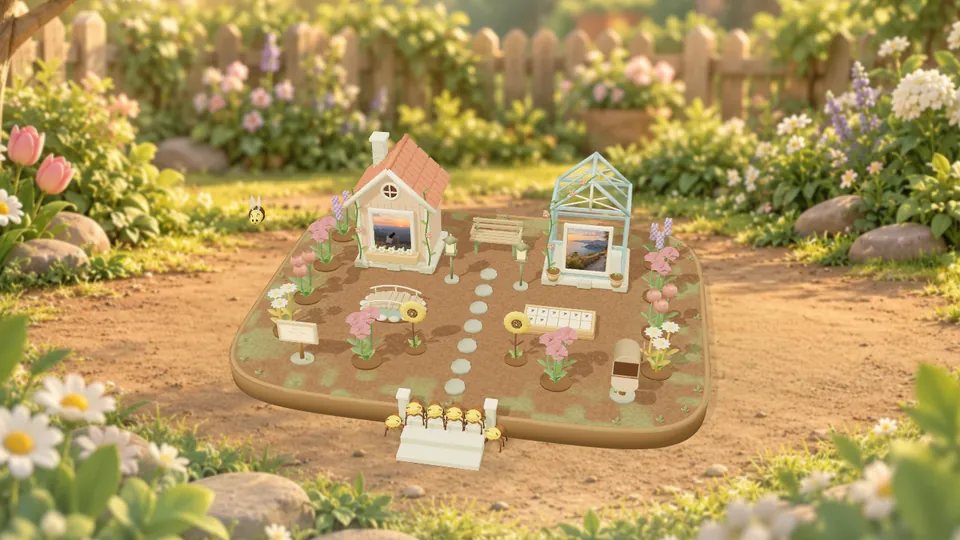
Build a little garden with photo cottages, flowers, hidden notes and your own word puzzle. Starts at 3 credits; the price follows your writing and photo sizes.
At A Glance
Template 01
Best for direct emotional writing, one-to-one delivery, and private-feeling reveal moments. The opening flow asks for a 4-digit PIN before the message appears, which helps create a special invitation experience.
Template 02
Best for visual storytelling where photos carry most of the message. The retro playback style gives your page cinematic personality and can feel nostalgic or playful depending on media choice.
Template 03
Best for birthday greetings that should feel playful, celebratory, and more cinematic. The 3D cake theme combines short frame messages, title cards, and music into a single reveal moment.
Decision Framework
Execution Tips
The most common issue is choosing a template before clarifying message intent. This leads to edits that feel mismatched, such as long paragraphs in a visual-first concept or random image piles without narrative flow. Another frequent issue is rushing publish without previewing transitions and text readability on mobile.
A simple quality checklist helps: define your purpose in one sentence, pick the matching template, verify your key assets, preview once on phone and desktop, then publish. This process dramatically improves recipient experience and reduces republishing cycles.
Quick Links